
Introduction
WordPress powers millions of websites worldwide, making it one of the most popular content management systems available today. Unfortunately, its popularity also makes it a prime target for hackers. Whether you run a personal blog, business website, or WooCommerce store, using a reliable WordPress security plugin is essential.
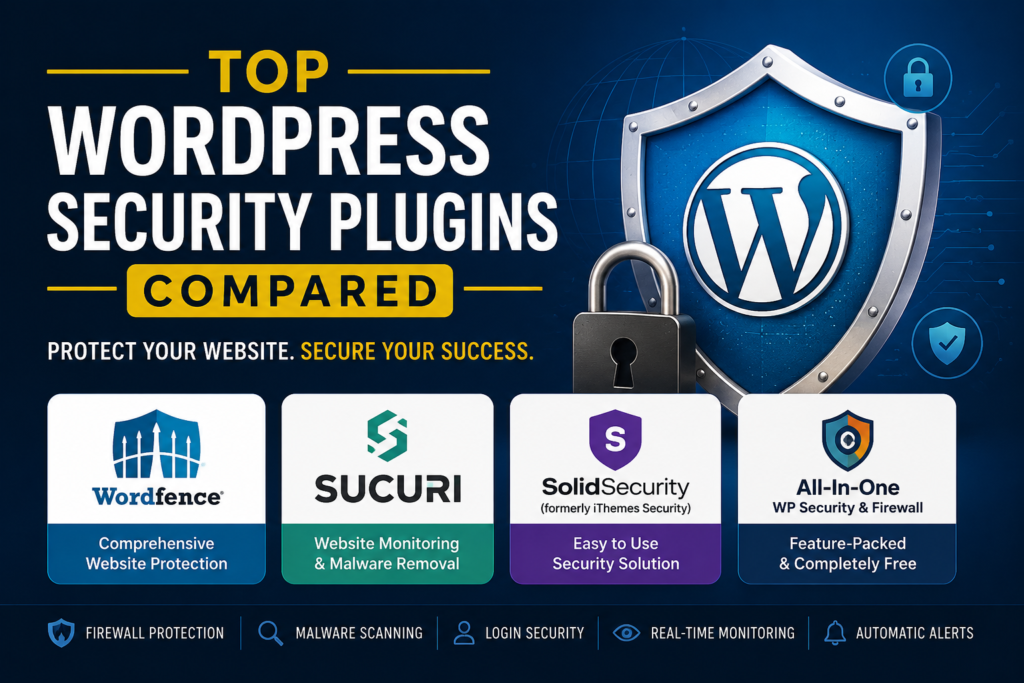
In this guide, we’ll compare the top WordPress security plugins in 2026 to help you choose the best option for protecting your website.
Why You Need a WordPress Security Plugin
Cyber threats such as malware, brute force attacks, SQL injections, and spam are becoming increasingly common. A WordPress security plugin provides an extra layer of protection by:
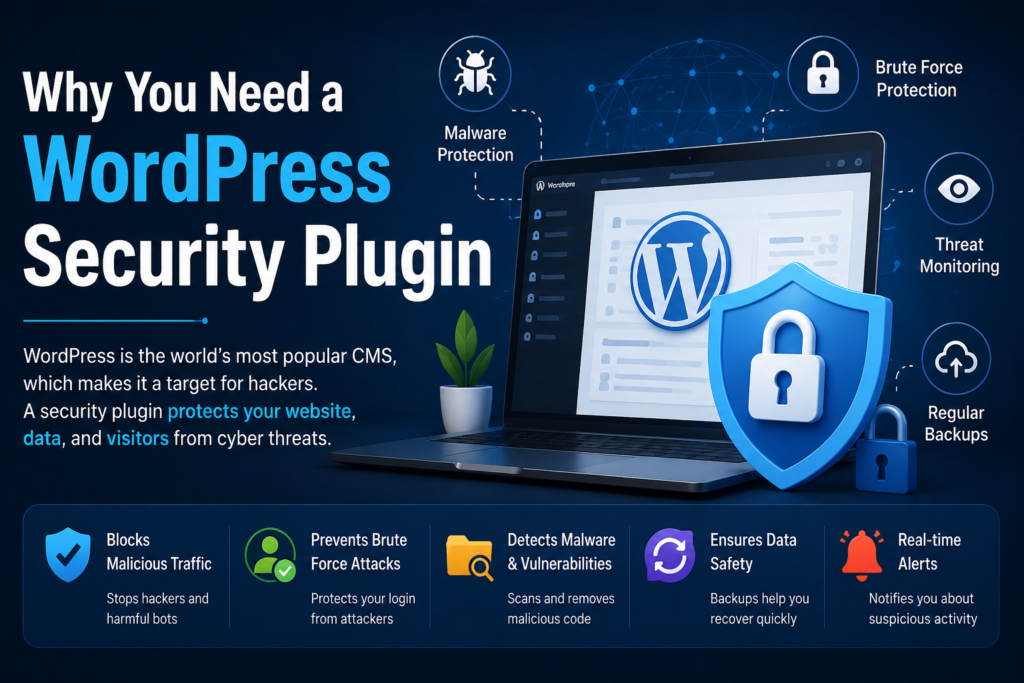
- Blocking malicious traffic
- Scanning for malware
- Enabling firewall protection
- Preventing brute force login attempts
- Monitoring suspicious activities
- Offering automated backups and alerts
Implementing a security plugin can significantly reduce the risk of downtime, data loss, and SEO penalties caused by hacked websites.
Wordfence Security
Best for: Comprehensive website protection
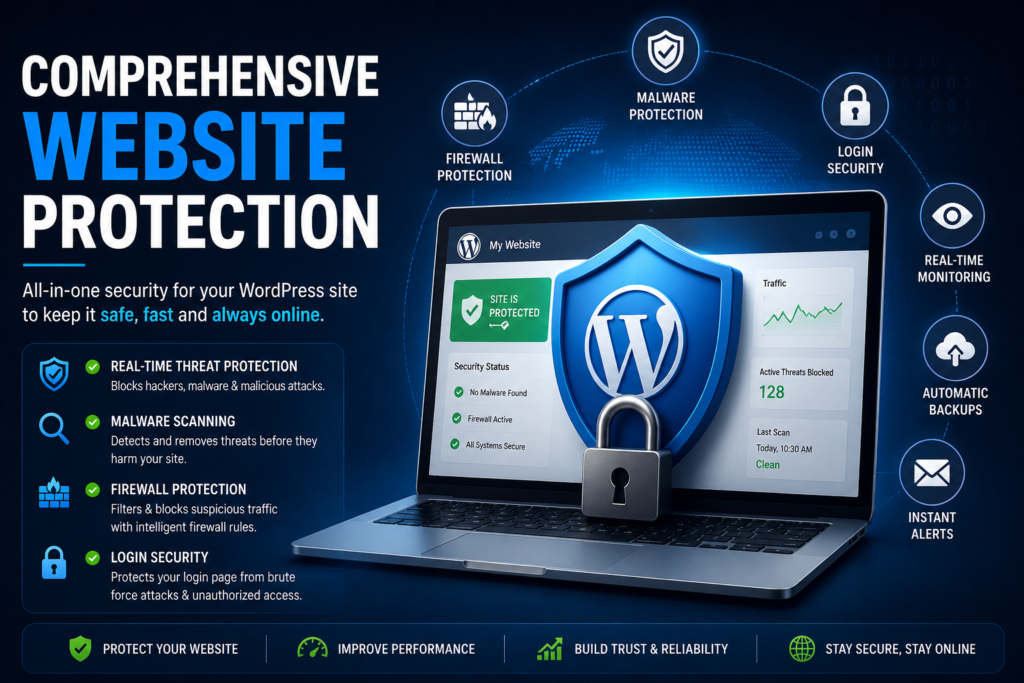
Wordfence remains one of the most trusted WordPress security plugins. It offers a robust firewall, malware scanner, and real-time threat intelligence.
Key Features:
- Web Application Firewall (WAF)
- Malware and vulnerability scanning
- Login security and two-factor authentication
- Live traffic monitoringCountry blocking (Premium)
Pros:
- Excellent free version
- Easy to configure
- Frequent security updates
Cons:
- Can consume server resources on shared hosting
Sucuri Security
Best for: Website monitoring and malware removal
Sucuri is a premium security solution known for its cloud-based firewall and malware cleanup services. It’s particularly useful for businesses and eCommerce websites..
Key Features:
- Website firewall
- Malware detection and removal
- Blacklist monitoring
- DDoS protection
Pros:
- Outstanding customer support
- Fast malware removal
- Improves website performance
Cons:
- Most advanced features require a paid plan.
Solid Security (Formerly iThemes Security)
Best for: Beginners
Solid Security offers over 30 security features and is ideal for users looking for a simple setup process.
Key Features:
- Two-factor authentication
- Brute force protection
- Scheduled malware scans
- File change detection
- Password enforcement
Pros:
- User-friendly interface
- Great for beginners
- Affordable premium plans
Cons:
- Limited features in the free version
All-In-One WP Security & Firewall
Best for: Free security features
This plugin provides impressive functionality without costing a penny.
Key Features:
- Firewall settings
- Login lockdown
- User account monitoring
- Database security
- Spam prevention
Pros:
- Completely free
- Lightweight
- Suitable for small blogs
Cons:
- Interface feels outdated.
Which WordPress Security Plugin Is the Best?
If you’re looking for an all-around solution, Wordfence Security is the best choice for most WordPress users. For enterprise-level protection, Sucuri Security stands out with its malware removal services and cloud firewall. Beginners may prefer Solid Security, while budget-conscious bloggers should consider All-In-One WP Security & Firewall.
Final Thoughts
Choosing the right WordPress security plugin can save your website from costly attacks and downtime. Investing in website security not only protects your data but also improves user trust and search engine rankings.
For most website owners, combining a security plugin with regular backups, strong passwords, and updated themes and plugins is the best strategy for keeping your WordPress site secure in 2026.
